
DIY IT Support: Quick Fixes for Common Computer Issues


Introduction to DIY IT Support
In today's digital age, computers are an essential part of our daily lives. However, they can sometimes present challenges that might leave us frustrated. Fortunately, many common computer issues can be resolved with some basic troubleshooting. This guide will walk you through several DIY IT support techniques to help you fix everyday problems.

Slow Computer Performance
Identify Resource-Heavy Programs
When your computer is running slowly, it might be due to programs consuming too many resources. Open the Task Manager by pressing Ctrl + Shift + Esc and look for programs using excessive CPU or memory. Consider closing these programs if they're not crucial to your tasks.
Run a Disk Cleanup
Over time, your computer accumulates unnecessary files that can slow it down. Use the built-in Disk Cleanup tool to remove temporary files, system cache, and other unnecessary data. This can free up valuable space and improve performance.
Internet Connectivity Issues
Check Your Connection
If you're experiencing internet issues, start by checking your physical connection. Ensure all cables are securely plugged in and that your router is powered on. If you're using Wi-Fi, try connecting to another network to see if the problem persists.
Restart Your Router
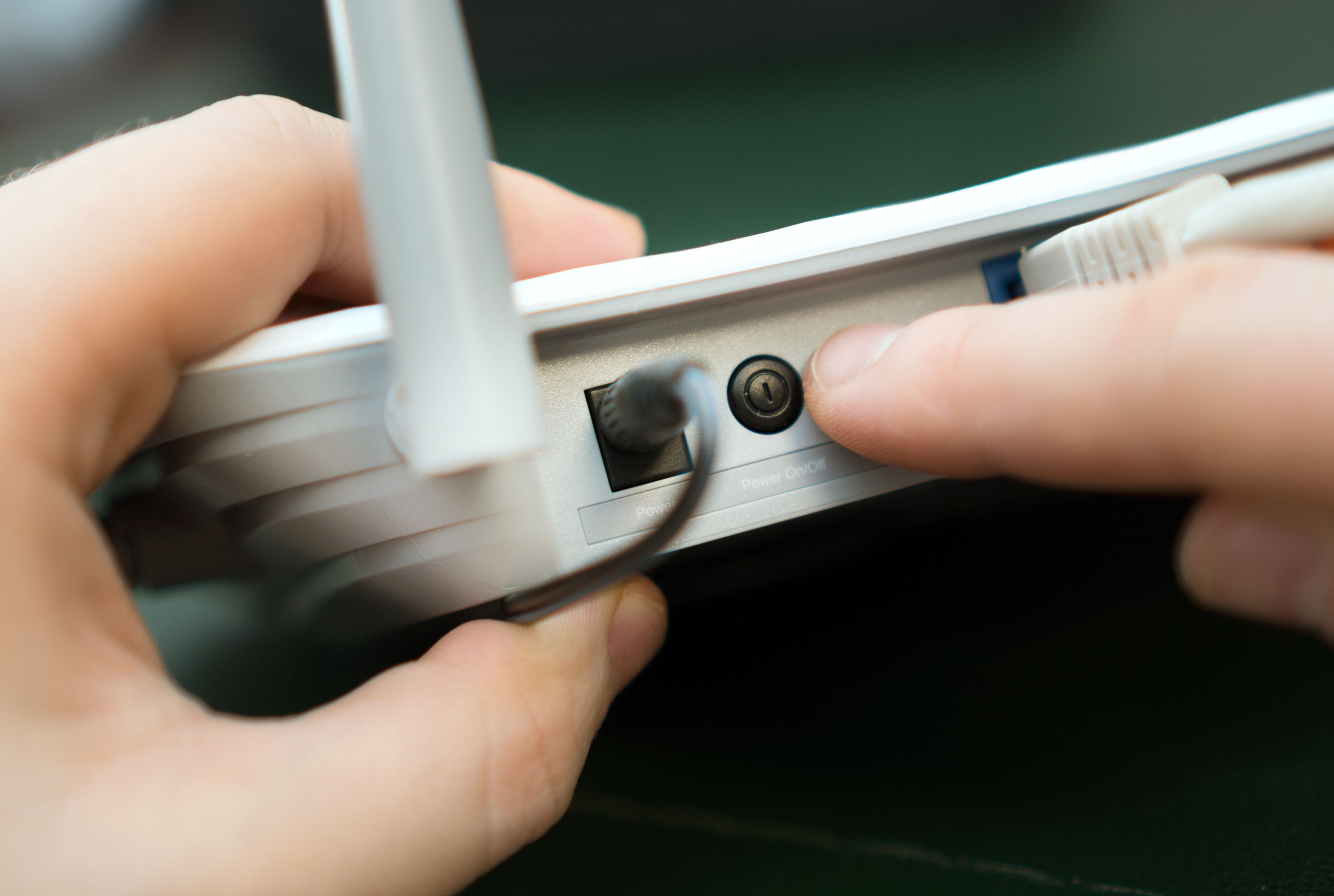
Sometimes, a simple router restart can resolve connectivity problems. Unplug your router, wait for about 30 seconds, and then plug it back in. This can refresh your connection and fix minor issues.
Software Crashes
Update Your Software
Outdated software is a common cause of crashes. Ensure that your operating system and applications are up to date. Most software has an automatic update feature, but you can also manually check for updates in the settings menu.
Check for Conflicting Programs
Some programs may not work well together, leading to crashes. If you notice a particular app causing issues, try uninstalling it or finding an alternative. Also, check for any recent installations that might be causing conflicts.

Conclusion
While computers can sometimes be temperamental, many common issues can be resolved with a bit of patience and know-how. By following these DIY IT support tips, you can save time and potentially avoid costly professional repairs. Remember, when in doubt, a quick search online can often provide you with additional troubleshooting steps.
Stay proactive in maintaining your computer, and you'll likely enjoy a smoother and more efficient digital experience.